HotelAmplify help center
Learn the product by seeing it in action.
Task-based guides, real product screens, and clear explanations for hotel teams. Every visual example is tied to a verified product surface or labeled as planned.
Start here
Popular guides
Visual examples
See the workflow before you start
Screenshots are part of the guide, not an afterthought. We will expand this gallery as each module receives a verified user guide.
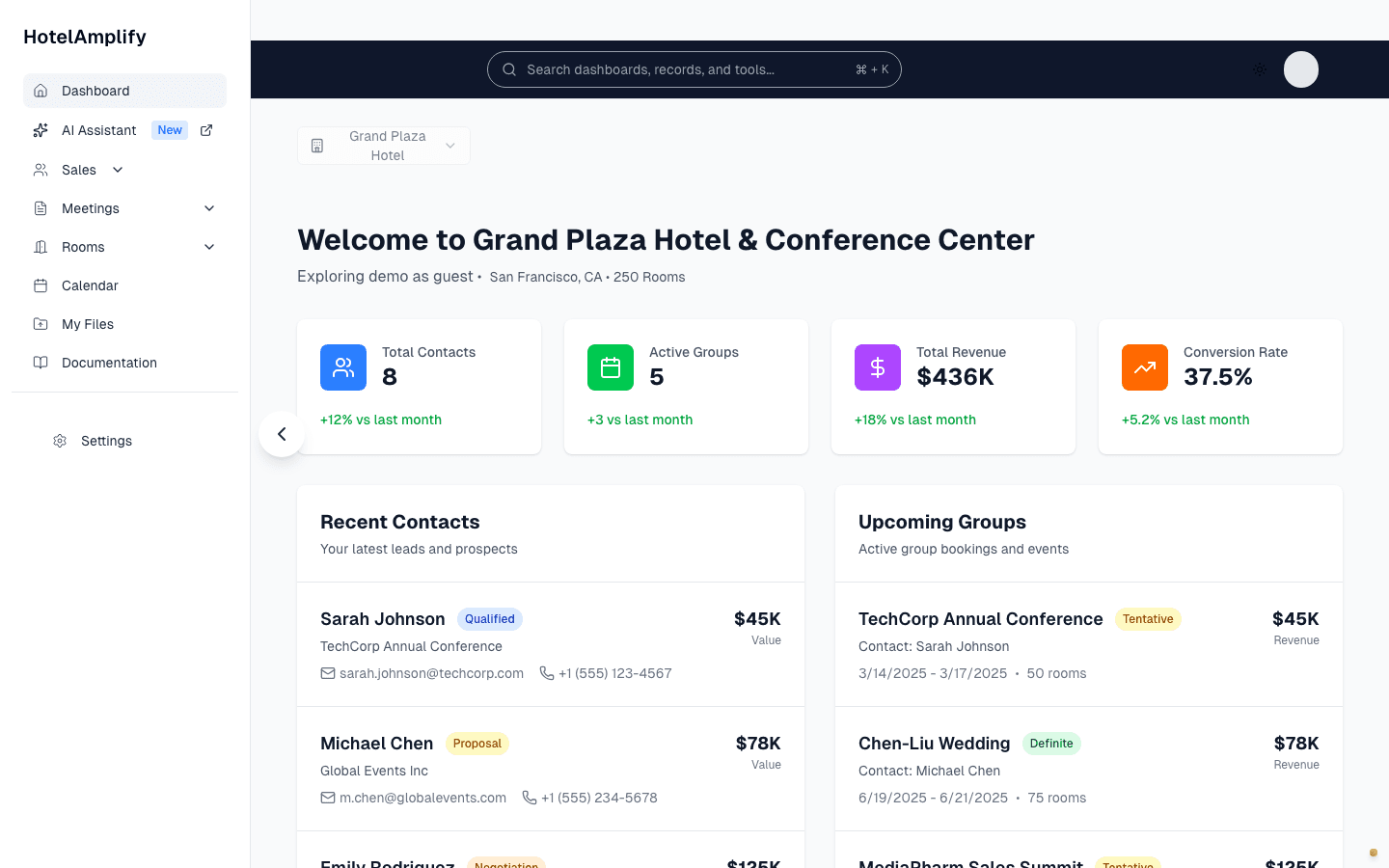
Use the dashboard to see property context, key performance indicators, recent contacts, and upcoming groups at a glance.
Open in HotelAmplify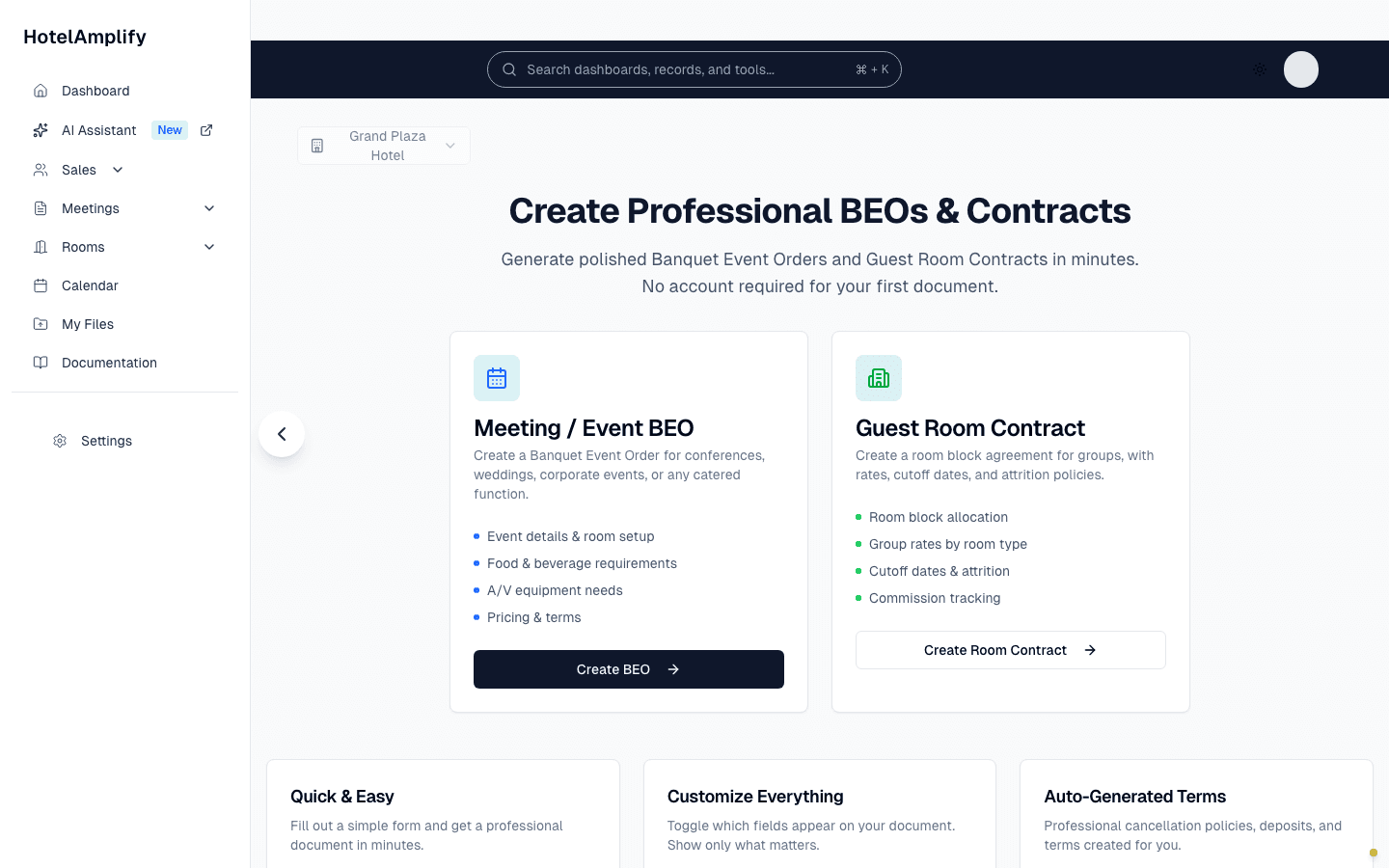
Visual walkthroughs will show what each document step looks like before the written instructions begin.
Open in HotelAmplify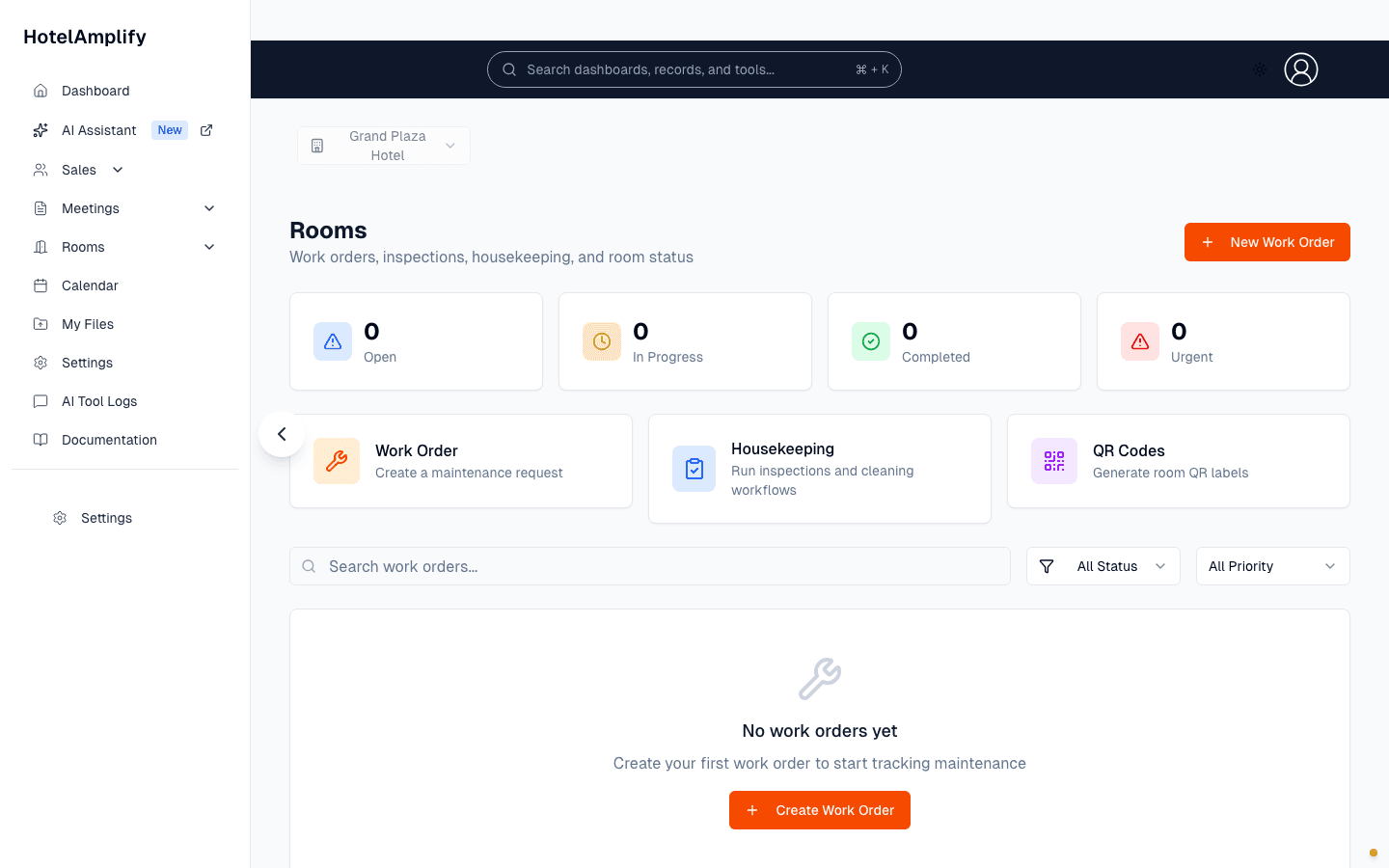
Operations examples will cover work orders, housekeeping, inspections, assets, and QR-driven workflows.
Open in HotelAmplifyCoverage is tracked
The documentation audit records what is shipped, what is planned, and which features have verified visual examples. Missing coverage is treated as work to add—not as a feature that does not exist.
Need a guide that is not here? Tell us