Organizations & access
Keep property access clear as your team grows
HotelAmplify supports single-property and multi-property organizations. Use settings and user management to keep people connected to the properties and workflows they need.
Best for
Hotel administrators
Time
5–10 minutes
Outcome
Users have the access they need and no more
Before you start
- Administrator access to Settings
- The user’s intended property and workflow access are known
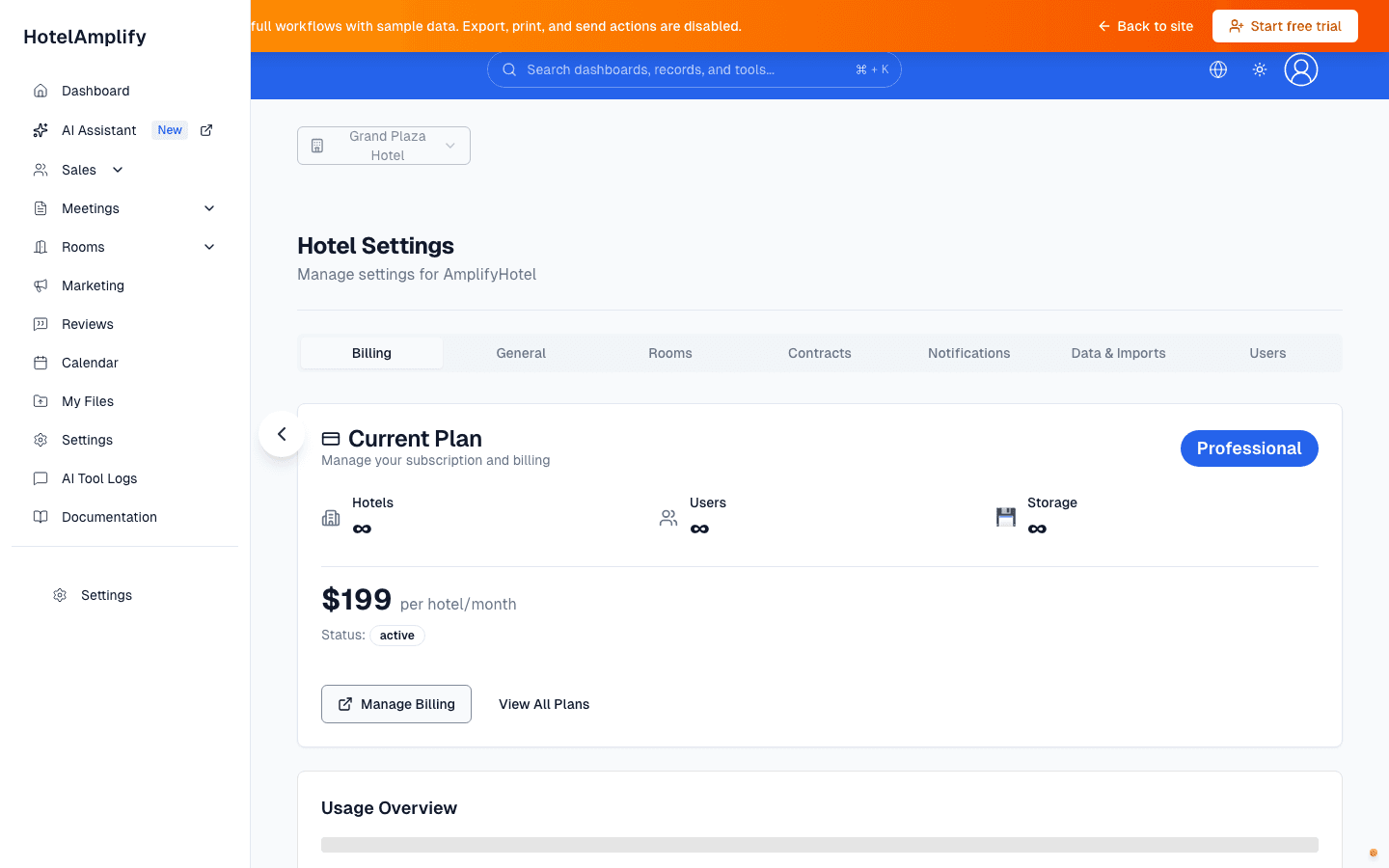
The shipped Settings route exposes billing, property configuration, data, and user-management areas. Which tabs you can use depends on your role and plan.
Open in HotelAmplifyOrganization workflows
- Property context: switch or confirm the active property before working with records.
- Organization settings: manage organization details and properties when your account supports multi-property access.
- User management: invite users, review access, resend invitations, and remove users when appropriate.
- Billing: review subscription information from Settings; billing and feature availability can vary by plan.
Recommended access review
- Open Settings and confirm the property or organization context.
- Invite users only after deciding which property and workflow access they need.
- Review access when someone changes roles, leaves the organization, or takes on a new property.
- Use the in-app feedback or support workflow if the visible access does not match the expected role.
Permission-sensitive work
Some Settings tabs are only visible to Hotel Administrators. If a guide references a screen you cannot see, confirm your role with an administrator before assuming the feature is unavailable.