Marketing
Create marketing content in your hotel’s voice
Marketing Studio generates drafts for campaign emails, OTA or listing descriptions, and social posts. Each result is saved to the Library; this screen does not send or publish it for you.
Best for
Marketing and commercial teams
Time
5 minutes
Outcome
A reviewed draft ready to copy into the channel you use
Before you start
- Your plan or AI credits allow Marketing Studio generation
- You have checked dates, rates, amenities, and policies before using the draft
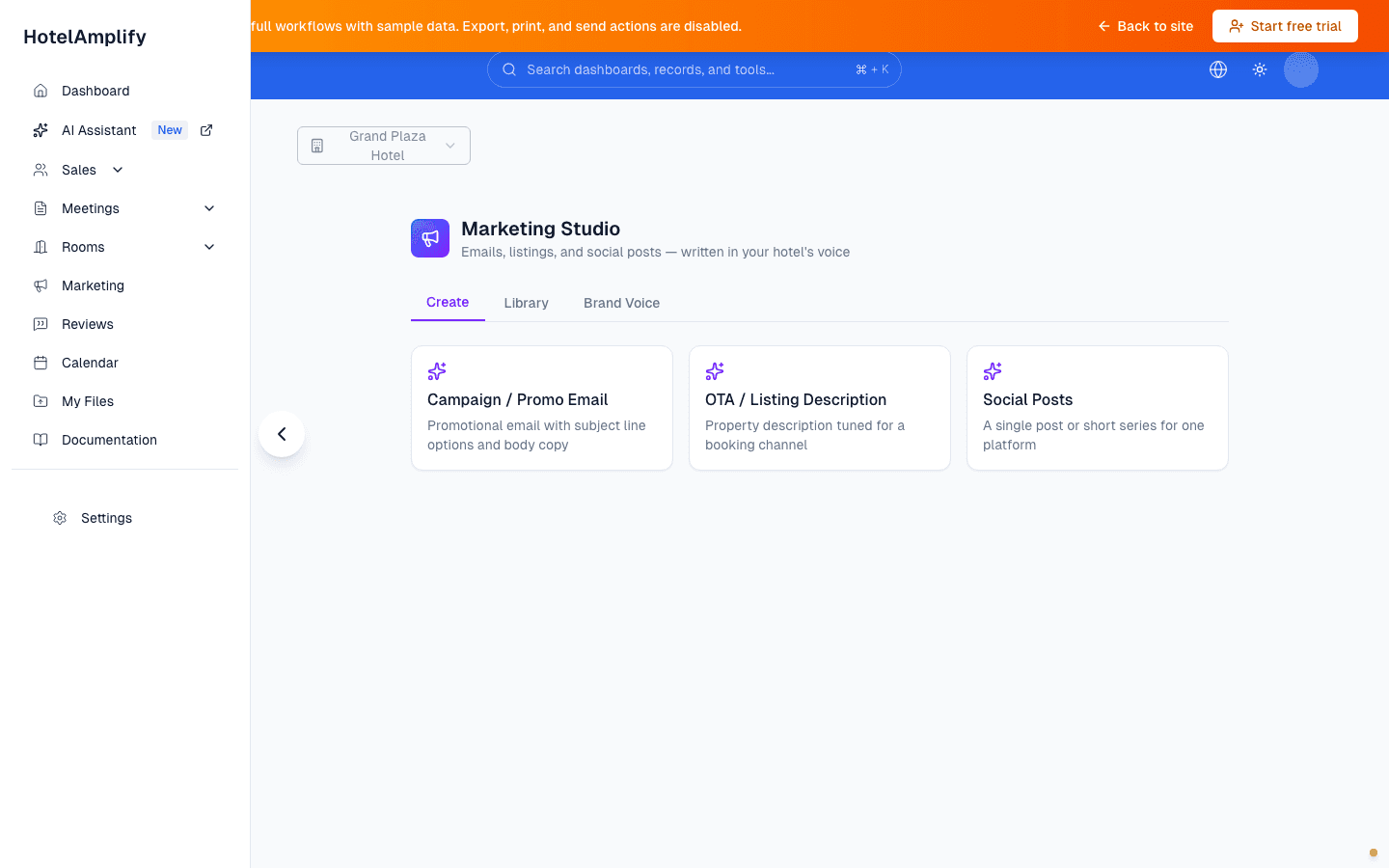
Marketing Studio starts with three draft types. The screenshot is from the shipped dashboard route in demo mode; sending and publishing happen outside this screen.
Open in HotelAmplifyMarketing Studio tabs
- Create: choose a content type and provide the details needed for a useful draft.
- Library: return to the last 50 pieces generated for the organization, copy them, or delete them.
- Brand Voice: define audiences, selling points, and words to avoid.
Prepare content
Open Marketing Studio
Go to Marketing Studio and open the Create tab.Choose the content type
Select the kind of content you need, such as an email, listing, or social post.Add the property details
Complete the fields shown for that content type. Campaign emails ask for an occasion or promotion; listings ask for a channel and highlights; social posts ask for a platform and topic.Generate and review the draft
Select Generate. HotelAmplify saves the generated result to the Library automatically. Review it, copy it, and make any final edits in the tool where you will use it.
Before the draft leaves HotelAmplify
Generated copy is a starting point. Check dates, rates, amenities, policies, availability, channel limits, and every claim about the hotel before sending or publishing it.
You'll know it's done when
The content matches the hotel, the intended audience, and the current offer—and a team member has reviewed it before it leaves the workspace.
If the draft is not usable
Add more specific property details, review the Brand Voice settings, or revise the content after copying it. If the page does not load or a required control is missing, use Contact support.
What Marketing Studio does not do
Marketing Studio does not send email, update an OTA listing, publish social posts, schedule a campaign, or report channel performance. It creates and stores drafts so your team can review them before using another publishing tool.